I build my own tools inside Photoshop for this kind of adaptation work. What follows is what I learned solving one case: a conical glass, a label that had to change after the shoot.
Because it’s a normal situation in production. The shoot is done, approved and paid for, and then the label changes. New SKU, new market, new regulation, a client who reconsidered. Reshooting isn’t on the table, so the new label has to go onto the photograph that already exists.
On a box or any flat surface, that’s an afternoon’s work. On a conical glass, it isn’t.
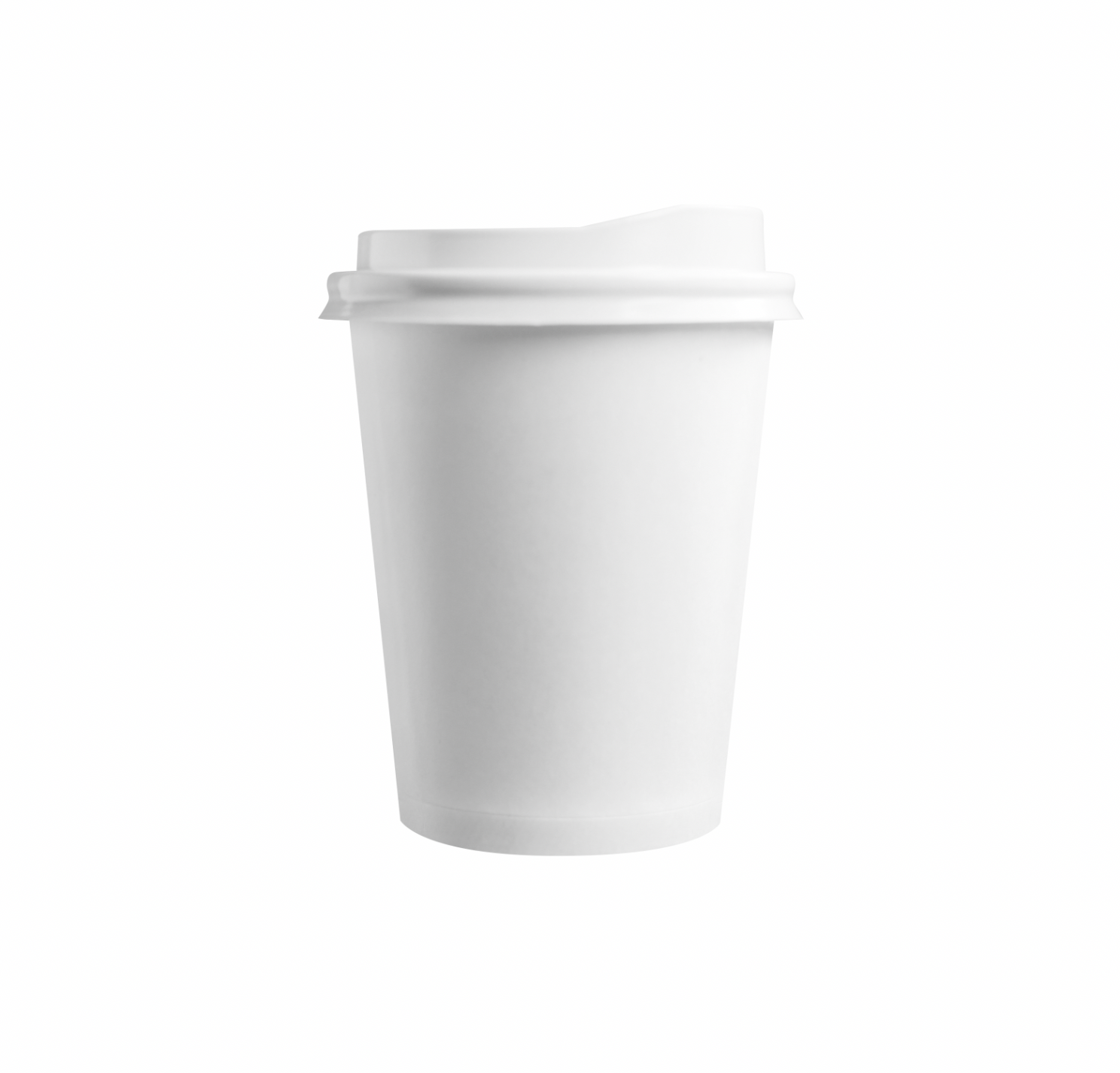
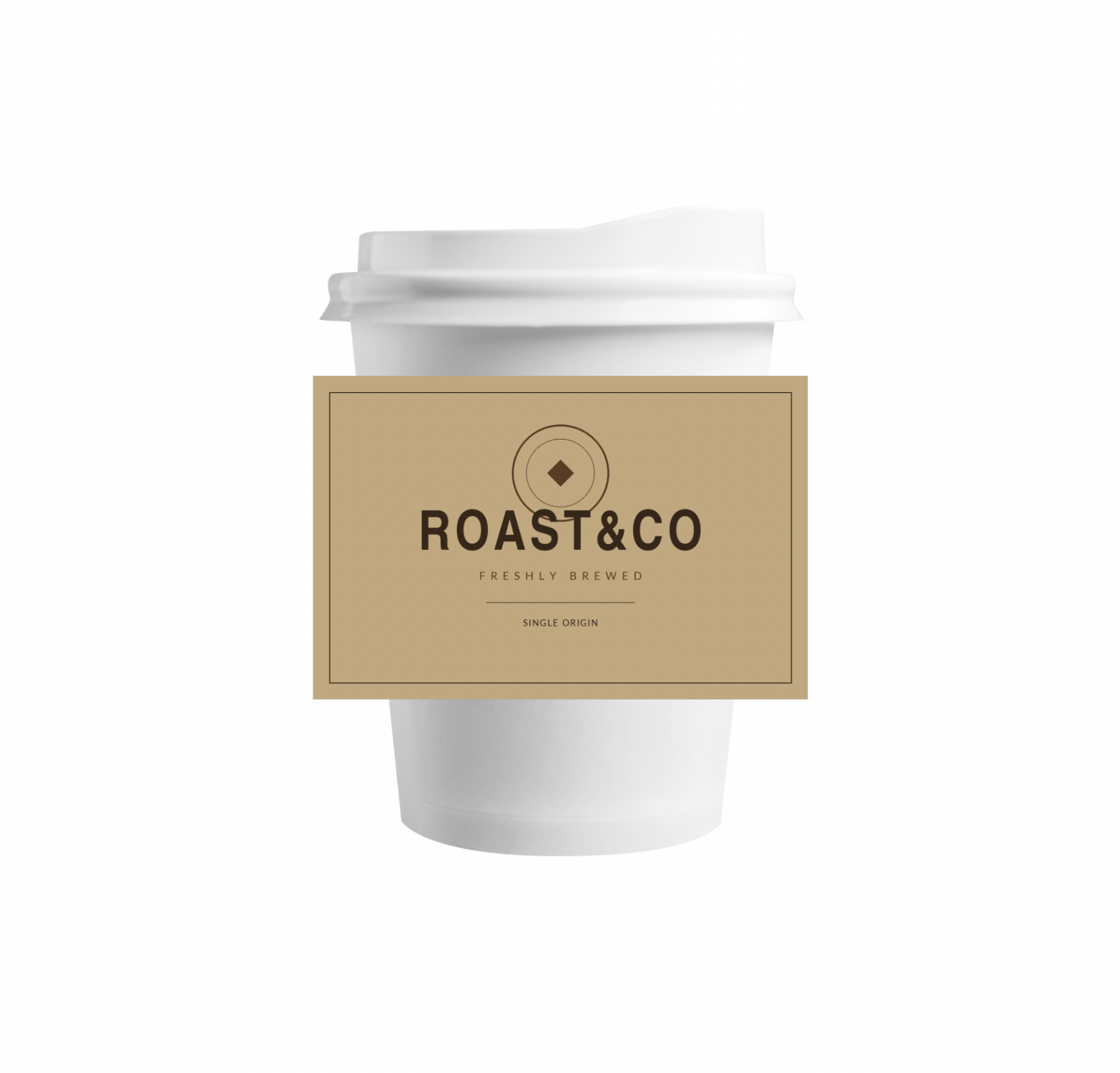
It isn’t a perspective problem
The instinct is to treat it as an angle problem: tilt the label until it sits right. But a conical surface doesn’t change the artwork’s perspective, it changes its geometry. The parts of the label turning away from camera have to compress horizontally. The parts facing you don’t.
The eye doesn’t forgive this, and it catches it in the type first. Lettering that tilts but doesn’t compress toward the edges reads as a sticker immediately. You couldn’t say why it’s wrong, but you know it’s wrong.
What didn’t work
Photoshop’s warp. Custom warp, by eye, pulling the mesh until it looks about right. Two problems: it isn’t repeatable — the next adaptation won’t match this one — and more importantly, it stretches, it doesn’t compress. The mesh distributes the artwork evenly. You can curve it, but you can’t make the columns crowd together at the edge.
Four corners and a homography. The logical reflex: mark the four corners of the area and solve the transform. It fails by definition, not by precision — a four-point homography models a plane. You get flawless perspective with zero curvature. On a cone, flat is exactly what you don’t want.
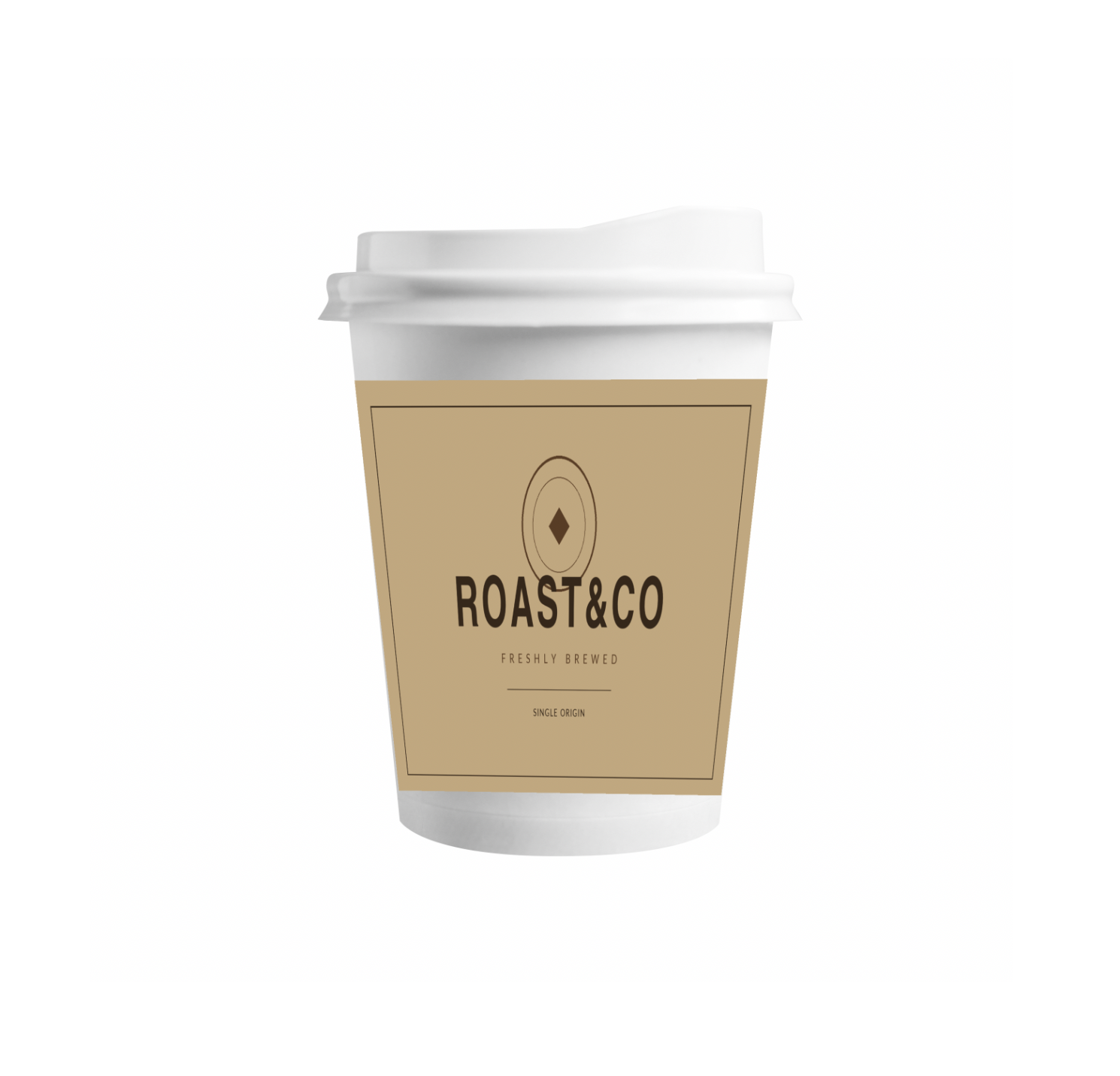
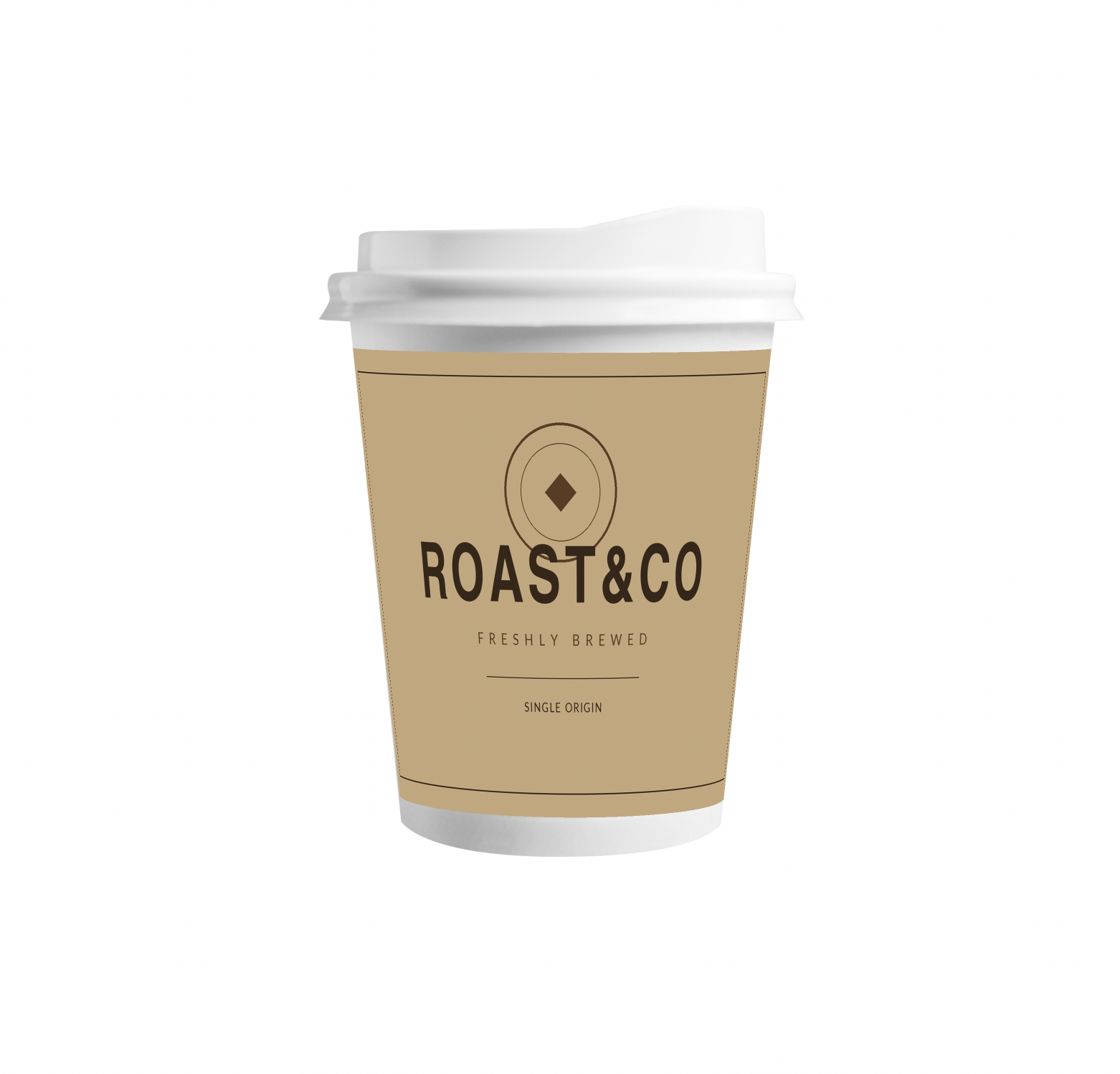
Automatic detection using generative AI. This one took weeks. The idea was to have a model paint a grid onto the object following its volume, detect the intersections, and reconstruct the surface from them. And it works — sometimes. The problem is consistency: you ask for a 6×8 grid and it paints 10×10, or shrinks it, or loses a corner. I built a detector that doesn’t care about grid size to compensate, but the real conclusion was different: a method that depends on a generative model behaving isn’t a method. It’s a demo.
Six control points, evenly distributed. Now on the right track — the user marks the points, no generative model involved — but spreading the artwork evenly between them. The mesh covers the surface correctly and the result still reads as a sticker, because we’re back in the same place: covering isn’t compressing.
What worked
Six control points marked by hand on a path — the four corners plus the top and bottom midpoints — with two differences from the previous attempt.
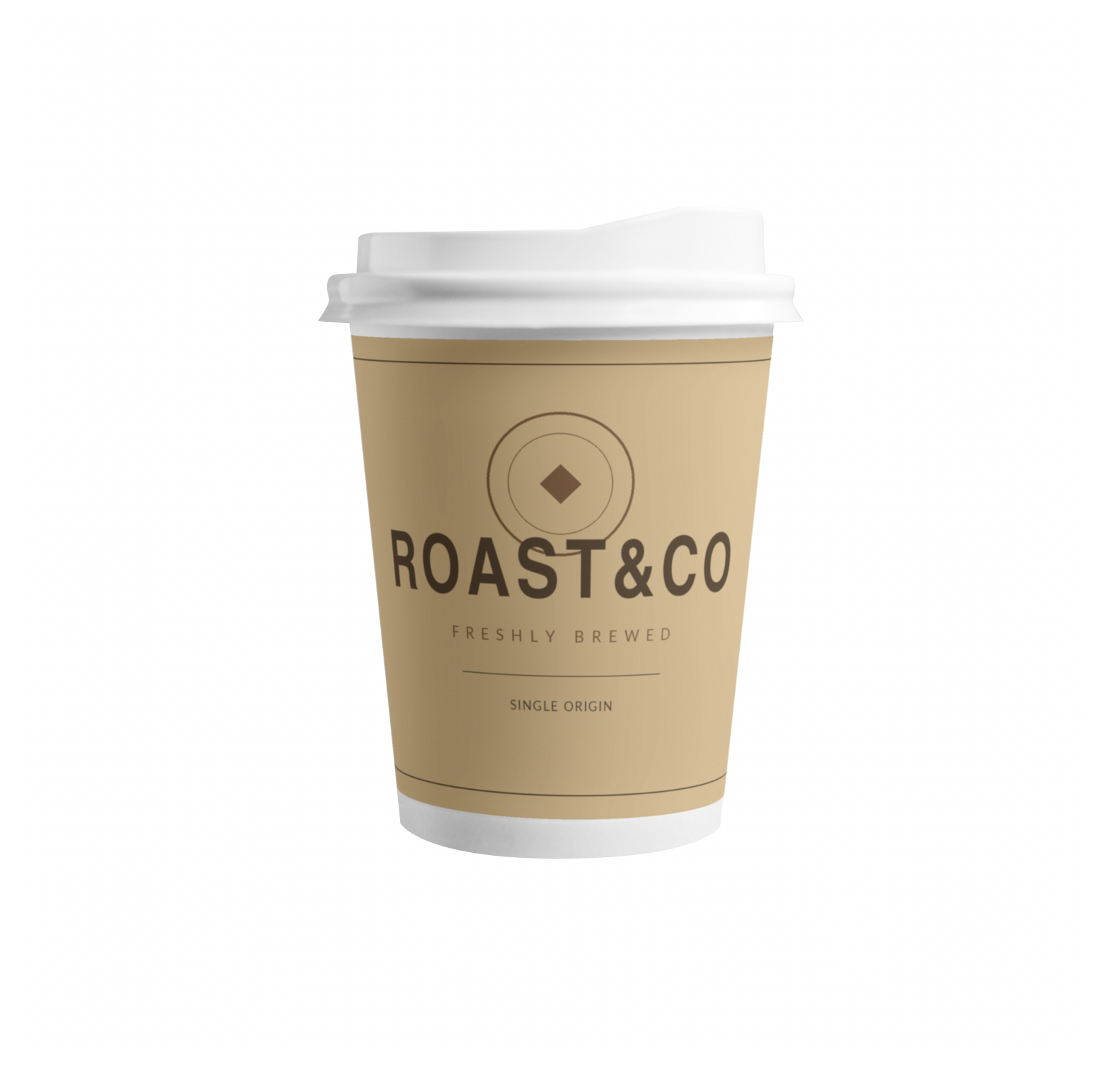
The edges are elliptical arcs, not straight lines. And the artwork isn’t distributed by distance but by angle: each evenly spaced column of the flat artwork lands on the surface according to the sine of its angle, so the columns crowd together on their own toward the sides turning away. That’s foreshortening, and it comes out of the geometry instead of out of your hand.
The engine rasterises a real mesh — triangles, barycentric coordinates, sampling the artwork — rather than applying a displacement map. A displacement moves pixels around; it has no way to compress them. That was the root of the original problem and it took me far too long to see it.
The one parameter you can’t measure
How far the label wraps around the object can’t be derived from the silhouette, however much it looks like it should. Camera tilt and wrap angle are geometrically independent — two different combinations produce the same outline.
The way out is physical rather than mathematical: on an object with a vertical axis, height doesn’t foreshorten. Only width does. So the correct wrap is the one that leaves the centre of the label isotropic — same horizontal scale as vertical. Once you know that, the parameter solves itself.
There’s a useful symptom along the way. If you compress the sides while the corners stay pinned, the centre widens. It looks wrong and you can’t say why. That’s the geometry telling you the wrap angle is off.
What still doesn’t work
The model assumes a straight axis: cylinder, cone, plane. A label that runs across the shoulder of a bottle, or a heavily bellied can, won’t sit right — that needs a second-order term in the vertical axis. It isn’t built. It’ll get built the day the job that needs it comes in.
And with the object steeply tilted, the final adjustment is still visual. The geometry gets you to 95%. The last 5% is looking at it.
This lives in a plugin I use daily. I’ll write up the text-selection side of it — cutting regenerated lettering out of gold-on-gold — another time.